Diagrams are easy to draw. Keeping them true is the hard part.
Field notes for engineering and product teams working through architecture, Mermaid, technical decisions, and Slack.
Miro Free plan limits for Slack teams: boards, seats, and access
Miro Free includes unlimited team members and three editable boards. Miro’s current pages disagree on whether teams can keep adding boards; see the exact access and seat rules before upgrading.
All articles
 GuideSep 24, 20268 min read
Slackbot MCP: plans, limits, Flex Credits, and costs
Slackbot MCP access follows Slackbot’s plan limits. Compare allowances, admin controls, Flex Credit charges, and direct app workflows.
Read GuideSep 24, 202610 min read
Slack Miro integration: setup, features, plan limits and cost
Miro's Slack app shares and creates boards; Slackbot MCP can make board changes. The routes have different permissions, limits, and costs.
Read GuideSep 24, 20267 min read
Mermaid diagram viewer for Slack: zoom, source and history
A Slack PNG is quick to scan. An interactive viewer helps you inspect labels, source and the discussion behind a Mermaid diagram.
Read GuideSep 24, 202617 min read
Best diagramming tools for Slack (September 2026)
Compare Slack diagramming workflows by where teams create, edit, recover and share the diagram source.
Read GuideSep 24, 20267 min read
How to turn a Slack thread into a reviewable architecture diagram
To turn a Slack thread into an architecture diagram, ask an AI tool for a proposed view of a bounded discussion, then check every node and arrow against the source. A valid render is not proof that the system works that way.
Read GuideSep 24, 20266 min read
How to edit a Mermaid Preview diagram in Slack
To change a Mermaid Preview image, edit its saved Mermaid source and render a new PNG. This guide shows a repeatable Slack workflow and when thread-based editing may help.
Read GuideSep 24, 20267 min read
Does Slack support Mermaid diagrams? What works today
No. Slack can display Mermaid source as code, but it does not render the syntax into a diagram. Use an image export or a Slack app, and choose a source-and-version workflow if the diagram will change.
Read GuideSep 24, 202610 min read
Best Mermaid integration for Slack: compare the options
The best Mermaid integration for Slack depends on the second edit: use Mermaid Preview for a one-off PNG, Arialine for a revisable Slack board, Mermaid CLI for Git-owned diagrams, and Mermaid Live Editor for browser preview and export.
Read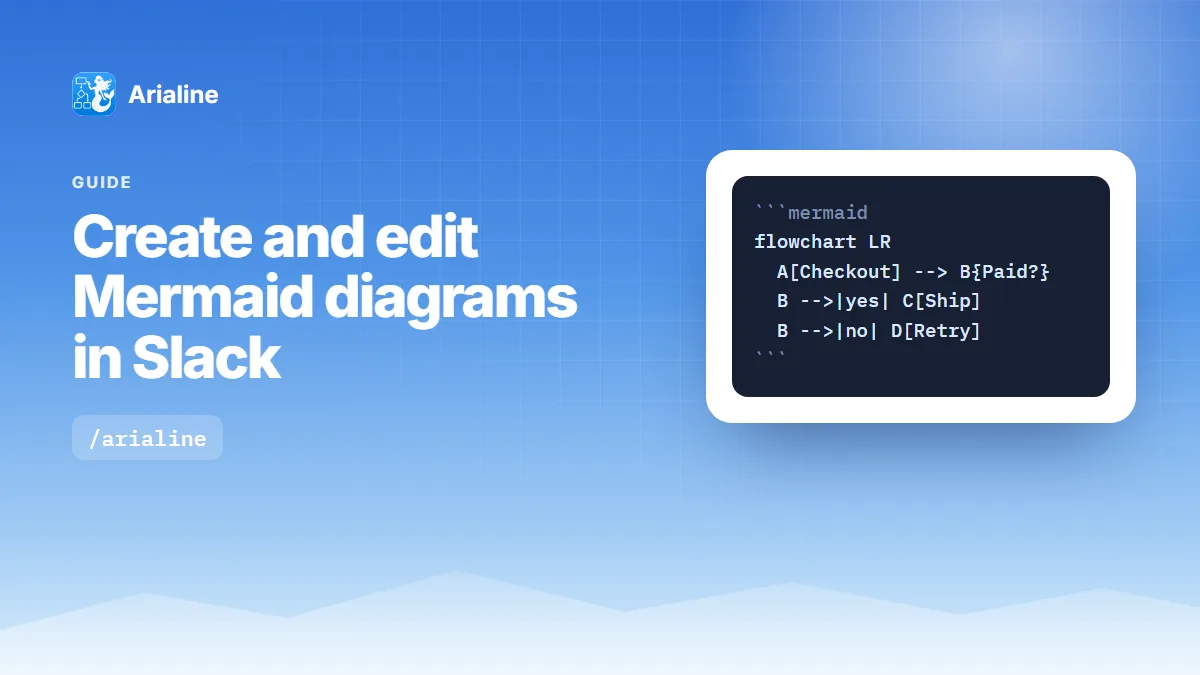 GuideSep 24, 20268 min read
How to create and edit Mermaid diagrams in Slack
Slack shows Mermaid as code. Paste valid source or describe a diagram through Arialine, then review thread edits as numbered versions. This guide covers setup, file options, exports and Free-plan limits.
Read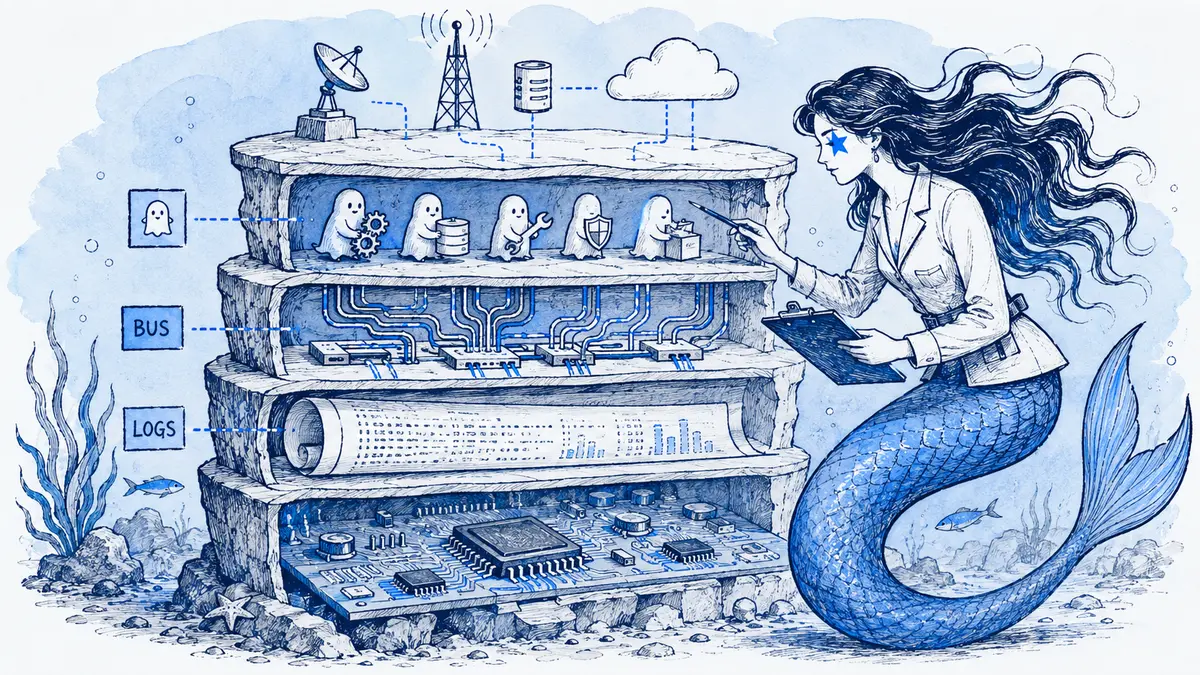 GuideJul 15, 202610 min read
Firmware architecture diagrams: views, examples, and review workflow
Firmware architecture spans hardware boundaries, execution contexts, modes and recovery paths. Use linked views for each question, then tie critical claims to implementation and test evidence.
Read GuideJul 15, 20266 min read
How to keep complex Mermaid diagrams readable
Mermaid makes it easy to generate a diagram and just as easy to generate too much of one. These techniques turn an unreadable map into a few focused views.
Read GuideJul 15, 20266 min read
AI architecture documentation without hallucinations
AI writes Mermaid and architecture prose quickly, and that fluency makes wrong output look convincing. Here is a routine that keeps AI drafts tied to evidence and to a human reviewer.
Read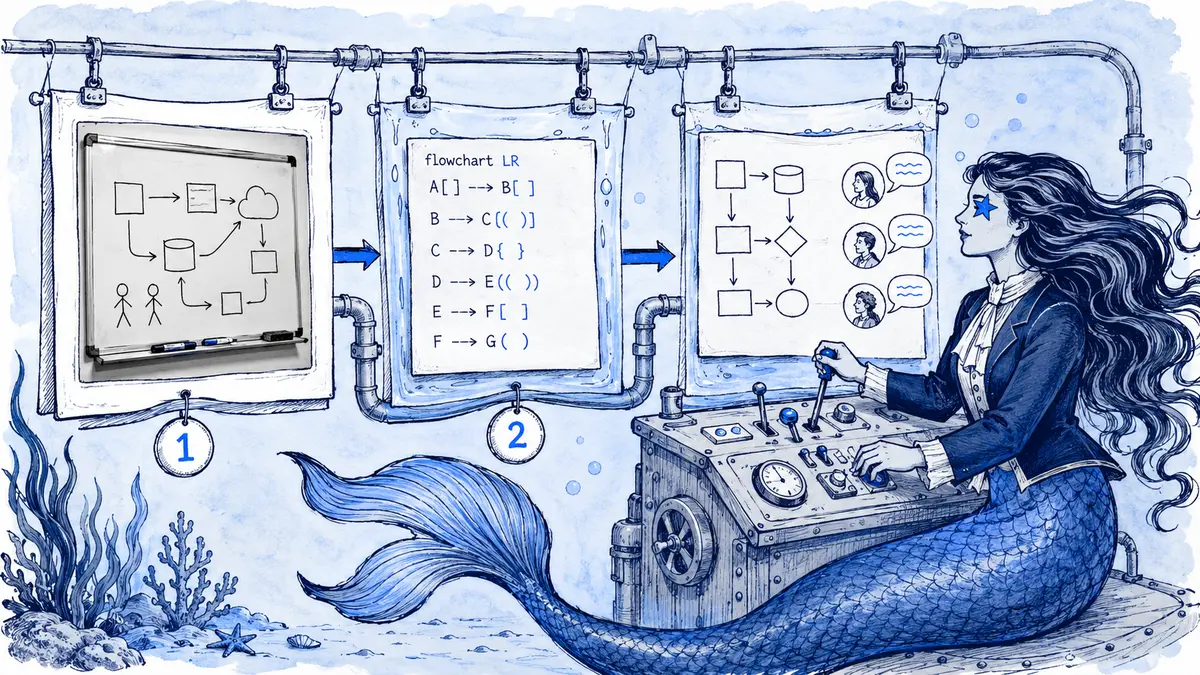 GuideJul 15, 20266 min read
Whiteboard to Mermaid: an editable-diagram workflow
A whiteboard is the fastest way to think through architecture, and a poor way to keep it. Here is a practical path from a photo of the sketch to Mermaid source the team can review and update.
Read GuideJul 15, 20267 min read
Diagrams as code vs conversation-led diagrams
Diagrams as code live in Git, generated diagrams show what the system actually does, and conversation-led diagrams capture what the team decided. Each answers a different question. Here is how to combine them.
Read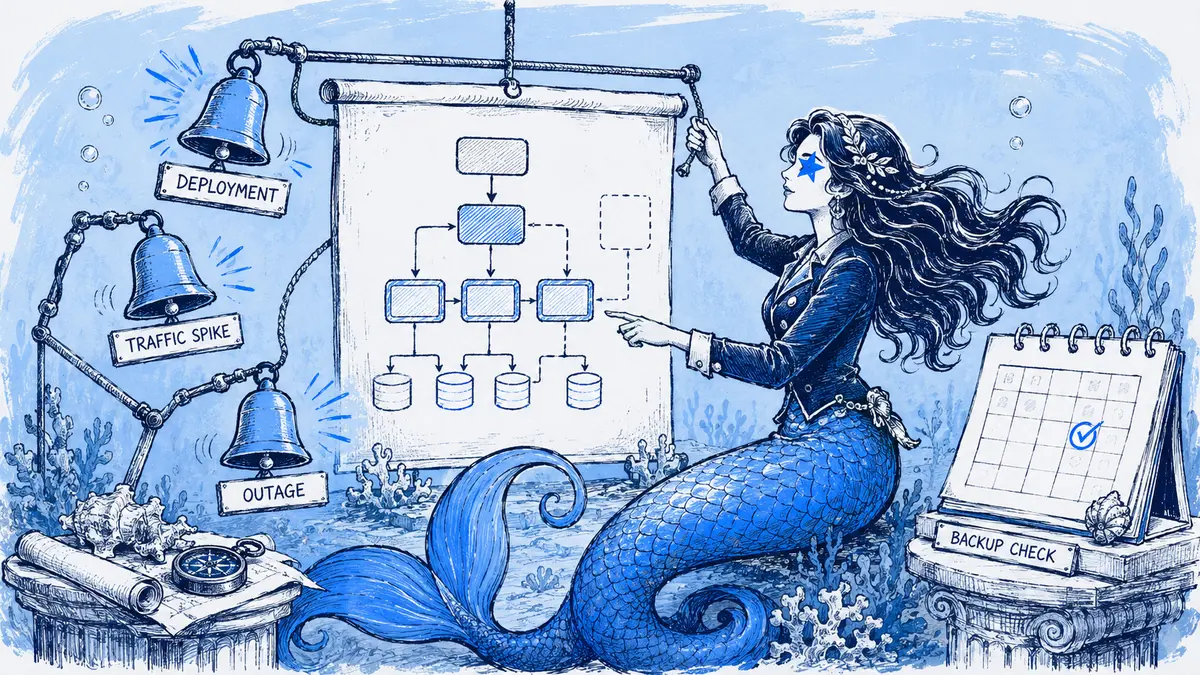 GuideJul 15, 20266 min read
How often should you update architecture diagrams?
The right cadence for architecture diagrams is event-driven: update when the system changes at the level the diagram shows, review on a schedule to catch misses, and retire what nobody can keep current.
Read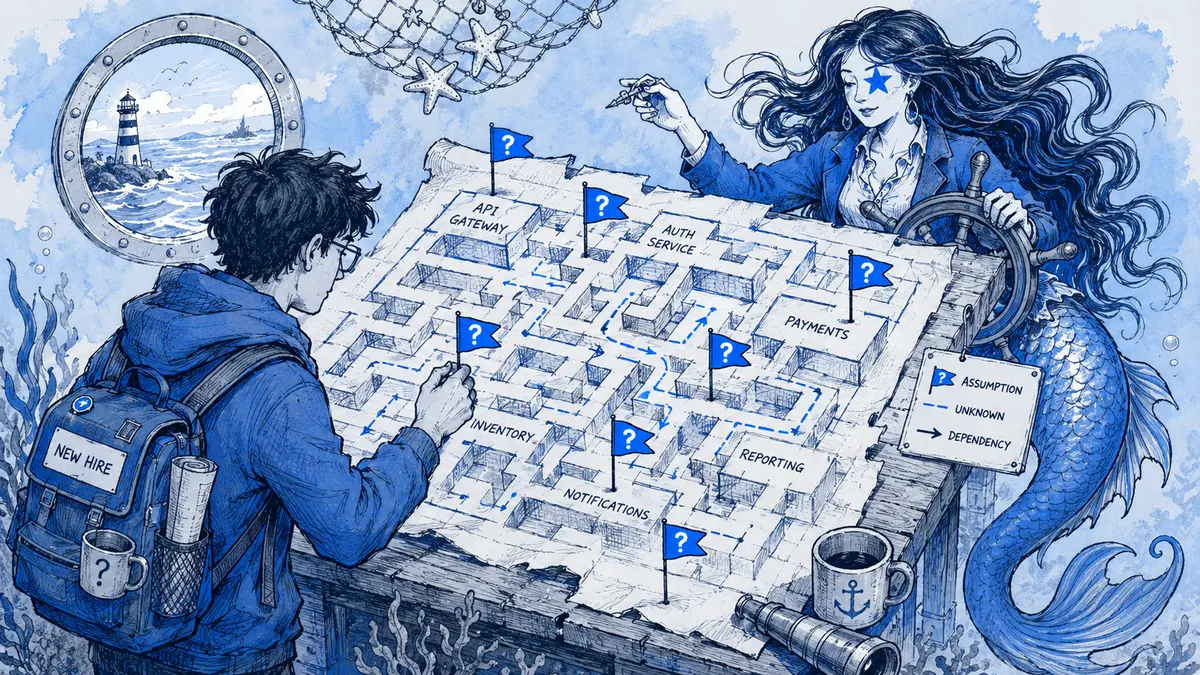 GuideJul 15, 20266 min read
The new-hire test for architecture documentation
Experienced engineers can read a bad diagram because they already know the system. New hires cannot, which makes onboarding the most honest test of architecture documentation.
Read GuideJul 15, 20266 min read
Who should own architecture documentation?
Architecture documentation fails when nobody owns it, and when one architect is expected to redraw everything. Give each artifact a steward and make the people who change the system propose the updates.
Read GuideJul 15, 20269 min read
Architecture diagrams in the Definition of Done: triggers and PR checks
Require an architecture diagram update when a change alters facts the view claims to show. Give reviewers evidence or a scoped reason, and let CI check syntax and declared ownership—not guess at design intent.
Read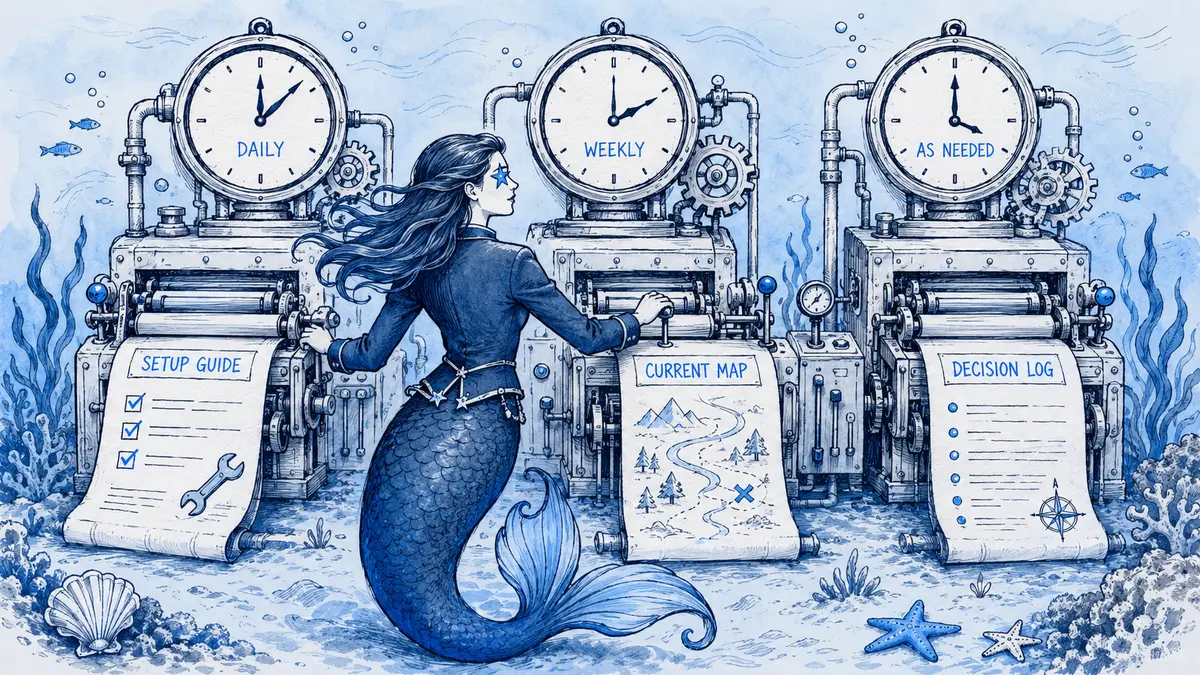 GuideJul 15, 202610 min read
Architecture documentation: setup guide, system map, or ADR?
Use a setup guide for repeatable tasks, a system map for current structure, an ADR for an accepted design choice, and a runbook for operations. Give each record an owner and link them together.
Read GuideJul 15, 202610 min read
Minimum viable architecture documentation: what to maintain
Minimum viable architecture documentation is a small, linked set that answers how the system is bounded, what must remain true, where its interfaces live, and why important choices were made.
Read GuideJul 15, 202610 min read
How to link Slack threads to Jira, Linear, and Confluence
Linking a Slack thread to Jira or Linear preserves work context; copy the accepted result into the ticket and keep decision rationale in Confluence or an ADR. Learn when to link, summarize, or sync replies.
Read GuideJul 15, 202610 min read
Why architecture decisions should not live only in Slack DMs
Keep the DM private while recording shared architecture decisions where authorized maintainers can find the outcome, owner, rationale, and current diagram.
Read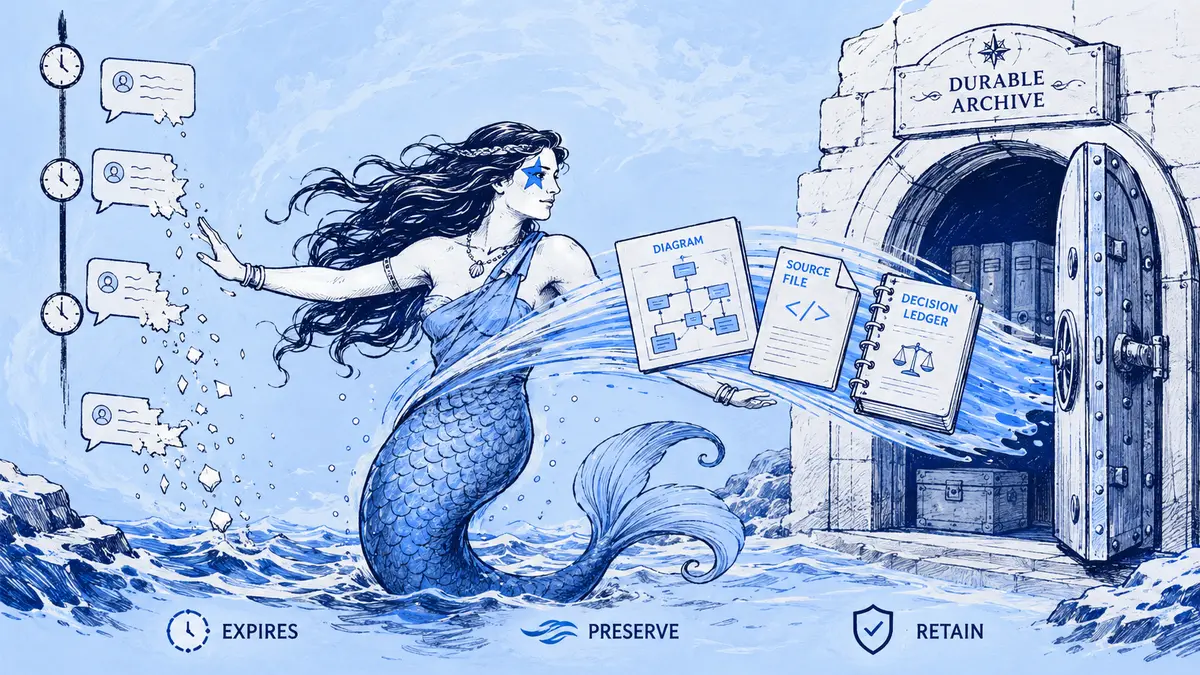 GuideJul 15, 20266 min read
Slack retention policies and architecture knowledge
Slack's retention settings can permanently delete the messages that explain why your system looks the way it does. Know your policy, and capture decisions in a form that outlives it.
Read GuideJul 15, 202612 min read
Keep architecture decisions from disappearing in Slack
Preserve an architecture decision from Slack by recording its status, rationale, owner, source messages, and matching diagram in a canonical ADR or design record.
Read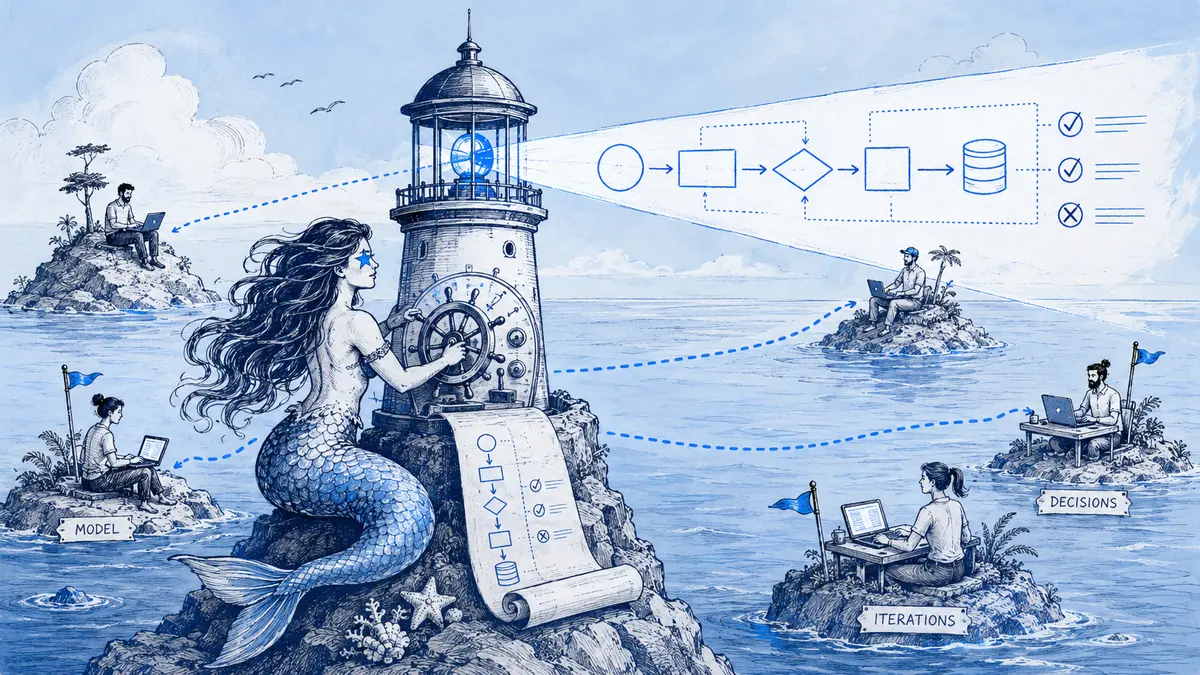 GuideJul 15, 20268 min read
A remote engineering diagram workflow for async reviews
Remote reviews stall when a diagram loses its source, owner, or status. This workflow keeps the review question, evidence, editable source, and next action together across time zones.
Read GuideJul 15, 20269 min read
Mermaid not rendering in Slack? Diagnose the cause
Slack can show Mermaid as code, an app can fail to receive it, or a renderer can reject the source. Follow the symptom to isolate the cause, preserve an exact reproduction, and choose a safe fix.
Read GuideJul 15, 20268 min read
How to write better AI diagram prompts in Slack
A useful AI diagram prompt names its view, boundary, evidence, and unknowns. Use these Slack-ready templates for flowcharts, sequence diagrams, C4 views, and Gantt schedules, then check every relationship against the source.
Read GuideJul 15, 202614 min read
Diagram app governance for Slack Enterprise Grid
Slack Enterprise Grid app approval is separate from installation scope. Review a diagram app's permissions, external storage, AI providers, edits, Slack artifacts, exports, and removal behavior before rollout.
Read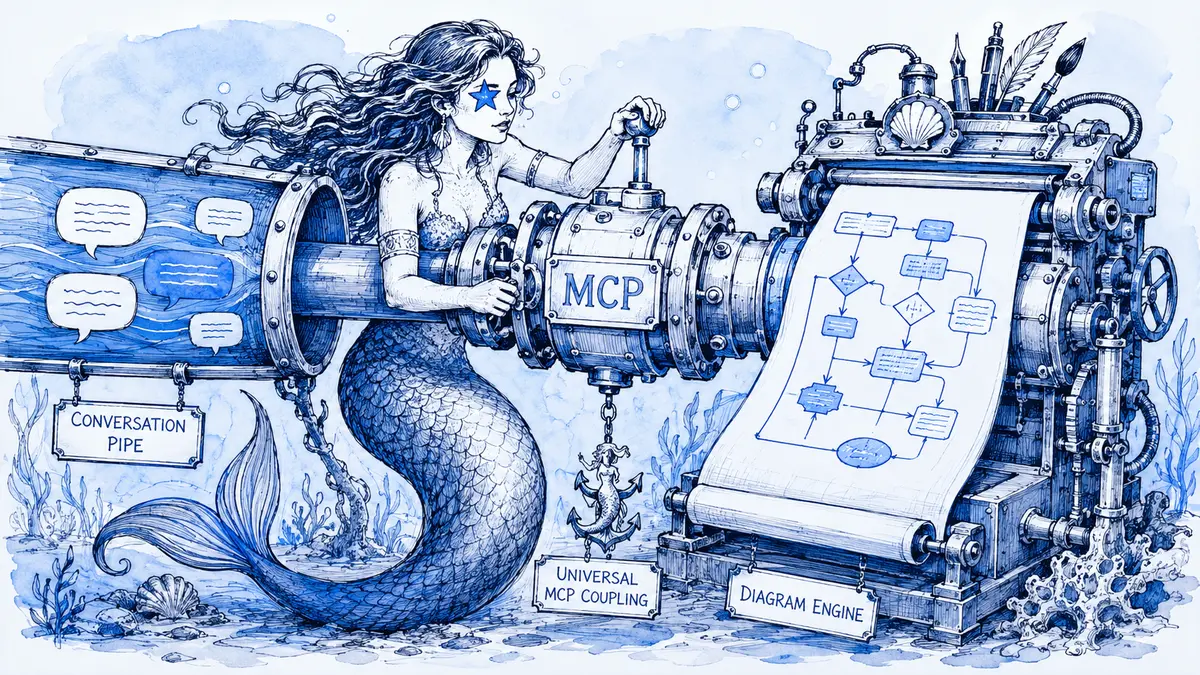 GuideJul 15, 202611 min read
How Slackbot uses MCP to create diagrams in Slack
Slackbot can turn a Slack request into a diagram by calling tools from an installed MCP app. This guide explains the connection, a source-grounded prompt, and the limits to review.
Read GuideJul 15, 202610 min read
How to export diagrams from Slack: PNG, SVG, Mermaid, and PDF
The right export depends on whether Slack holds an image, a Canvas, Mermaid source, a linked whiteboard, or a versioned board. Choose a file that keeps the source and context you need.
Read GuideJul 15, 20267 min read
How to review and version architecture diagrams in Slack
Post one diagram with a clear scope and review question. Verify its relationships, resolve each comment, and keep accepted changes tied to a specific version and source discussion.
Read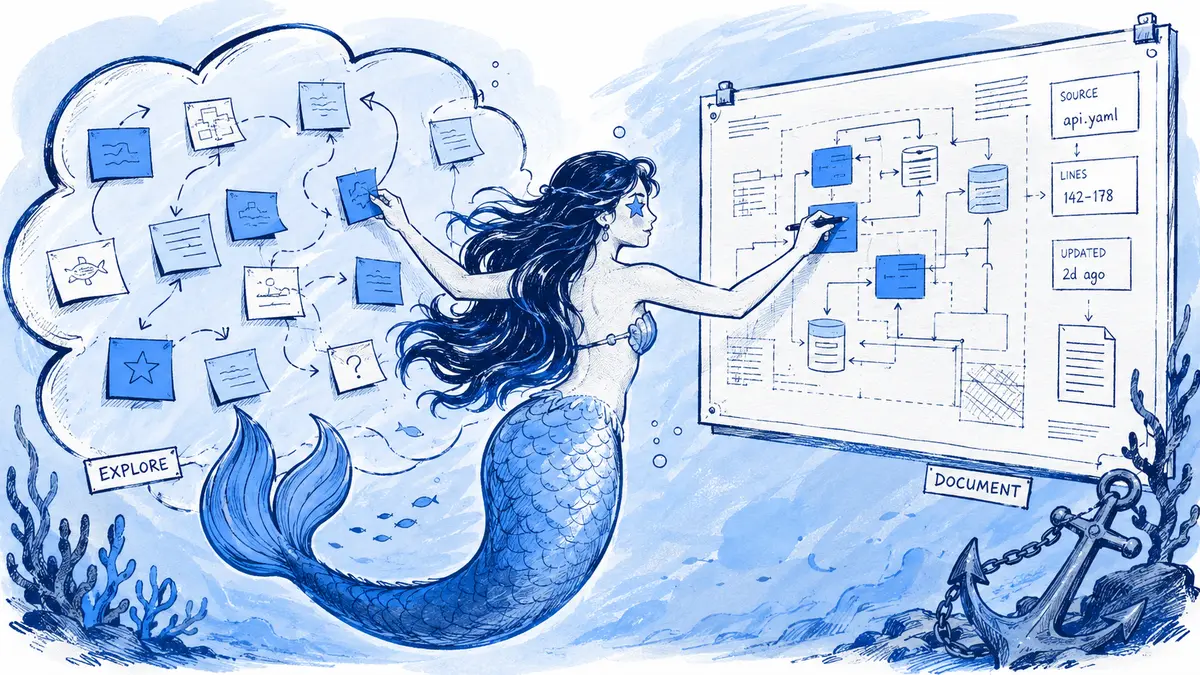 GuideJul 15, 202612 min read
Mermaid vs Miro for Slack teams: when to use both
Use Mermaid when technical relationships need reviewable text and a maintained source; use a whiteboard to explore ideas spatially. Miro now bridges both workflows, with important beta limits.
Read GuideJul 15, 20267 min read
C4 diagrams in Slack: context and container examples
Create C4 diagrams in Slack by posting Mermaid to a compatible app. Use a context view for people and external systems, or a container view for applications, data stores, and their connections.
Read GuideJul 15, 20267 min read
Gantt charts in Slack: lightweight timelines with Mermaid
Create a Mermaid Gantt chart in Slack to show a small plan's tasks, dependencies and milestones. This example explains the syntax, renderer choices, and when a live project tracker is the better source of truth.
Read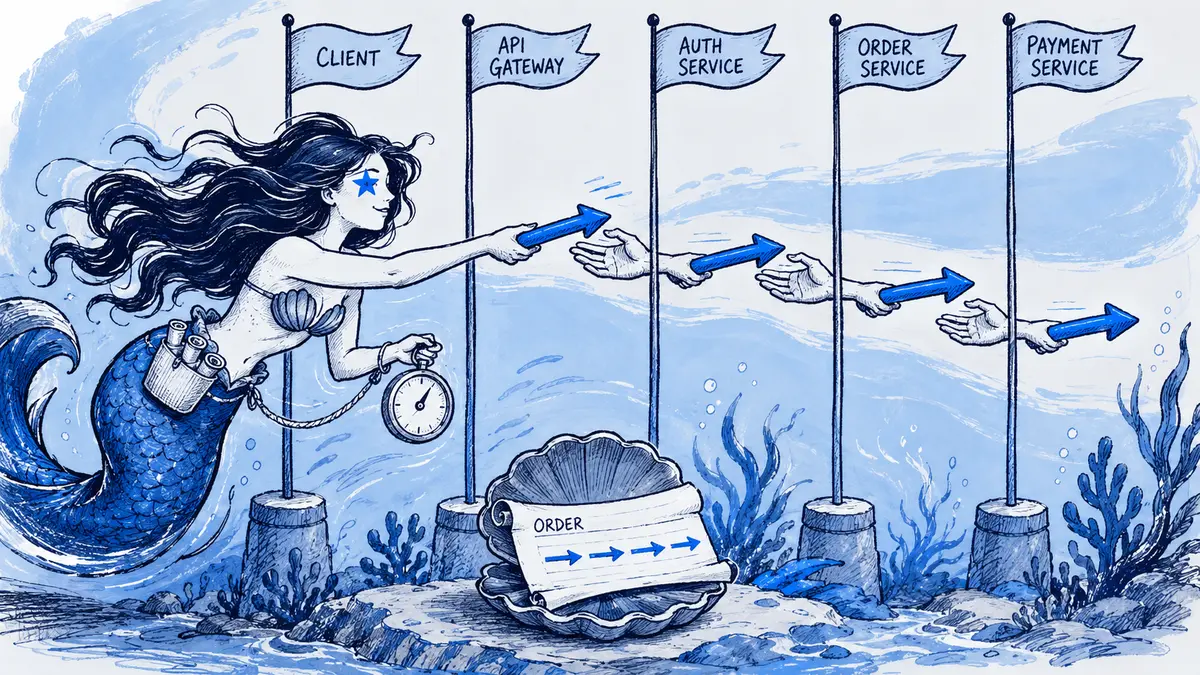 GuideJul 15, 20268 min read
Sequence diagrams in Slack: Mermaid examples for API reviews
Use a sequence diagram when the order of API or webhook messages matters. This Slack Events API example shows durable acknowledgment, asynchronous processing, and the retry boundaries reviewers need to verify.
Read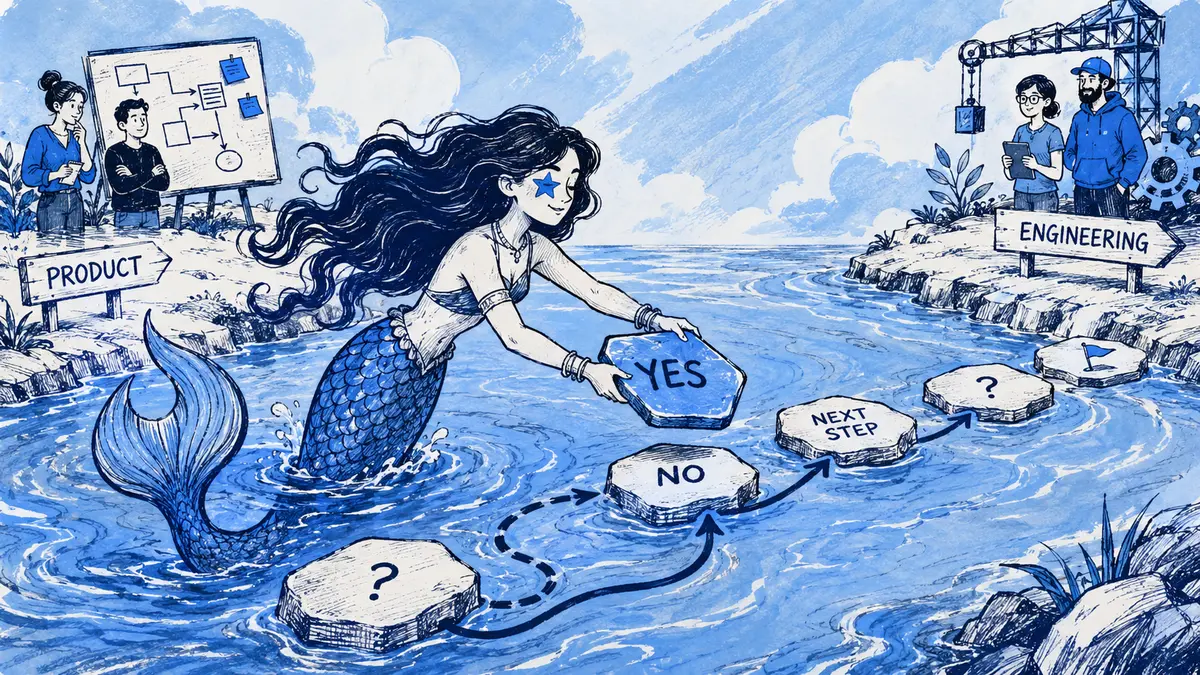 GuideJul 15, 20268 min read
How to make flowcharts in Slack with Mermaid
Write Mermaid steps and decisions, render the source with a Slack app, and verify every path against the people who own the process.
Read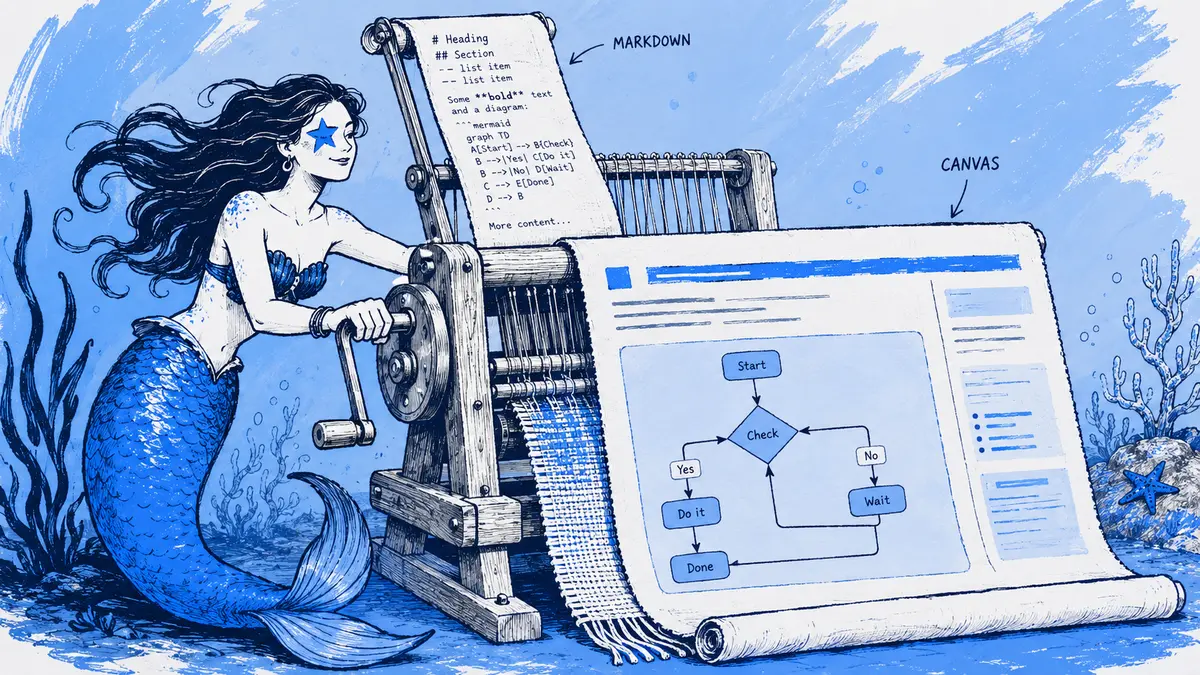 GuideJul 15, 20268 min read
Convert Markdown with Mermaid to a Slack Canvas
Slack Canvas keeps supported Markdown as document content but does not render Mermaid fences. Arialine can turn fenced Mermaid blocks into PNGs while preserving the surrounding text as Canvas content.
Read GuideJul 15, 20268 min read
Decision ledgers for architecture diagrams
A diagram change ledger answers what changed and points to recorded discussion. An ADR explains why a consequential architecture choice was made, which alternatives were considered, and what trade-offs the team accepted.
Read GuideJul 15, 20267 min read
Can Slack Canvas hold technical diagrams?
Slack Canvas can frame a technical diagram with scope, owner, decisions and a source link. The image is a snapshot; keep editable source and diagram history in a separate system.
Read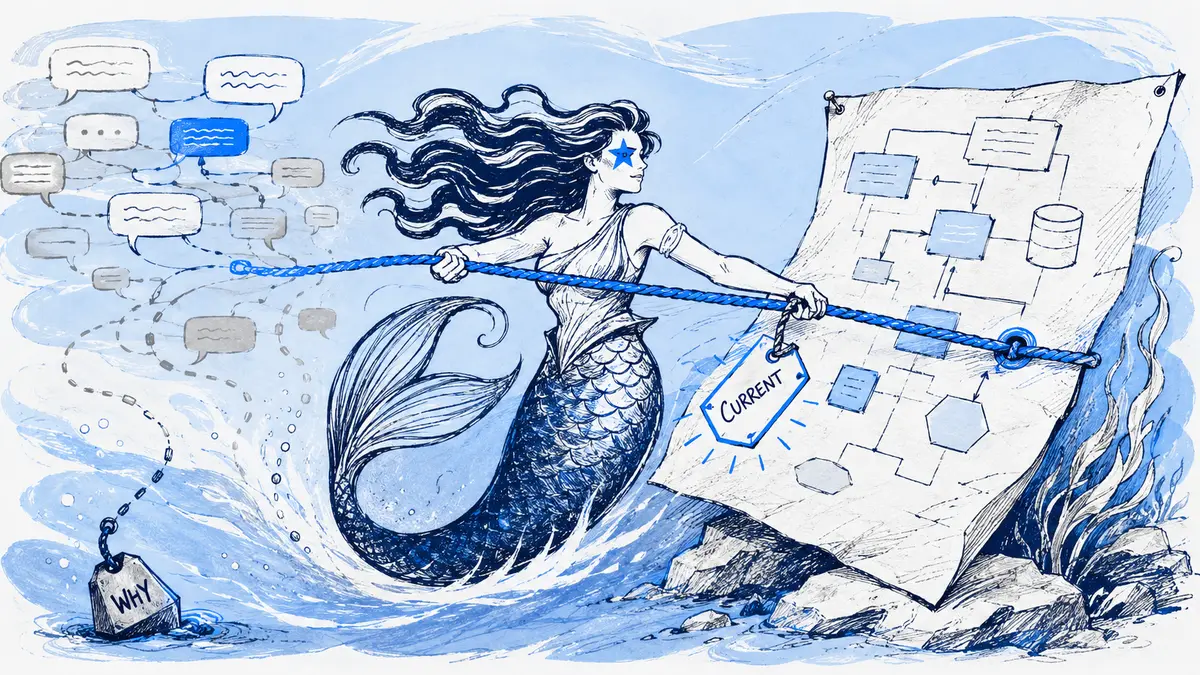 GuideJul 15, 202610 min read
Why architecture diagrams drift and lose trust
Diagram drift is a mismatch between a view's stated scope and the system or decision it claims to represent. Separate target design from deployed state, name an owner, and update only when a change affects the view.
Read


Bring Arialine into your next design discussion.
Install it in one click. Start in a single channel — Arialine only works where you invite it and stays unobtrusive by default.
 Add Arialine to my Slack