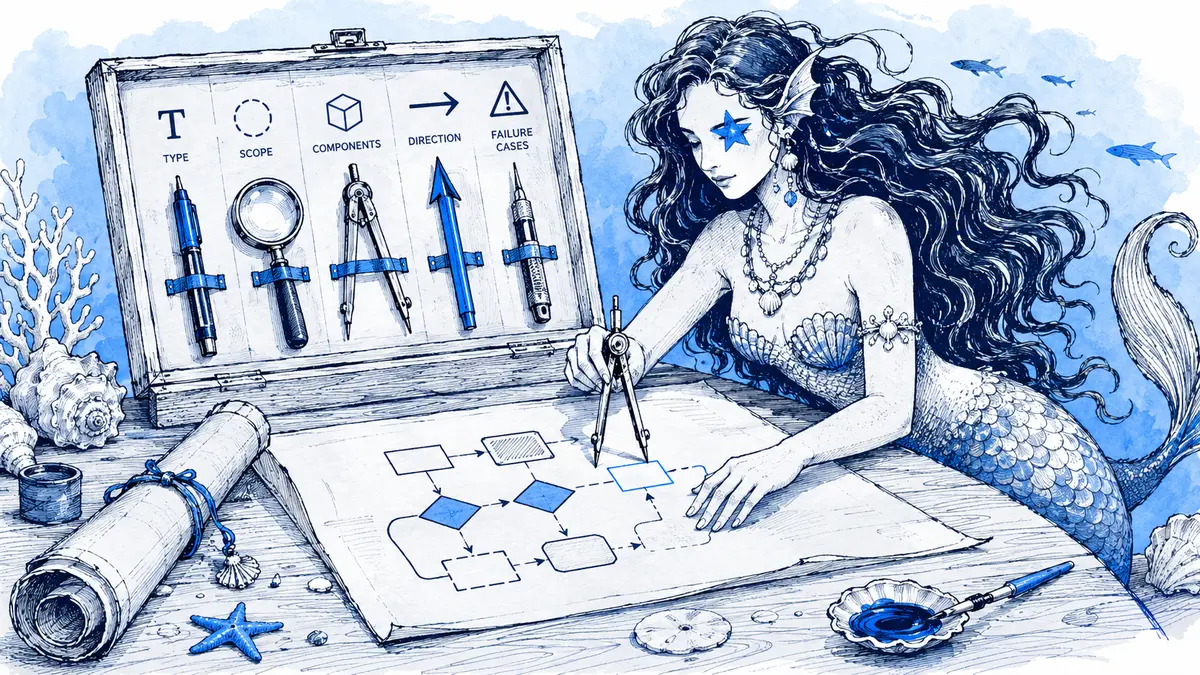
“Draw our checkout” names a topic, but it leaves the system boundary, participants, order of events, and failure behavior to the model. A stronger prompt says which view to draw, what question it should answer, which relationships are known, and what remains uncertain. That gives a reviewer something testable instead of a plausible-looking system the team never described.
Direct answer: A good AI diagram prompt specifies the diagram type, scope, named actors or components, verified relationships, relevant decisions or exceptions, and details to omit. Mark unknown behavior as unknown instead of asking the model to fill it in. Then check the generated Mermaid source against the design notes, code, or decision record before anyone relies on the picture.
Choose a diagram view before writing the prompt
Choose one view that answers one question. C4 uses different levels of zoom for different audiences; its documentation says system context and container diagrams together are sufficient for most software development teams. Prompt for one of those views at a time instead of combining a whole-system map, API sequence, and deployment plan into one large diagram.
| Question the reader has | Useful view | Include in the prompt |
|---|---|---|
| What is the system, who uses it, and which external systems does it interact with? | C4 system context | System name, users, external dependencies, and what is explicitly out of scope. See the C4 model's diagram levels. |
| Which applications, services, or data stores make up the system? | C4 container view | Deployable units, data stores, important relationships, and the intended reader. A container view is about runtime responsibilities, not every class or API field. |
| What steps and decisions happen in a process? | Flowchart | Start and end, steps in order, decision outcomes, and only the exception branches that matter. Mermaid flowcharts represent nodes connected by directed edges; see its flowchart syntax guide. |
| Which participant sends each message, and in what order? | Sequence diagram | Participants, message direction, success or failure conditions, and which response follows each condition. Mermaid defines a sequence diagram as showing how processes interact and in what order; its sequence syntax guide documents alt and else branches. |
| Which project tasks happen on which dates, and what depends on what? | Gantt chart | Start date, task durations or end dates, milestones, dependencies, and which tasks overlap. Mermaid Gantt tasks start sequentially by default unless dates or dependencies say otherwise, so state parallel work explicitly in the prompt. See the Gantt syntax guide. |
For more examples, see the practical guides to flowcharts, sequence diagrams, and Gantt charts.
Use a prompt brief with evidence and boundaries
OpenAI and Google both recommend clear instructions and the relevant context or constraints needed for a task. Neither makes prompt length a guarantee of correctness: model outputs can vary, so treat the result as a draft to check. See the OpenAI prompt engineering guide and Google's prompt design strategies.
Use this as a starting point. Fill in only the sections that apply; do not invent a failure path or a date just to complete the template.
@Arialine create a [diagram type] for [system or process] to answer [one question].
Audience: [who needs to understand this view].
Boundary: start at [event or component] and stop at [event or component].
Use these verified facts: [actors, components, and relationships].
Show these known decisions or exceptions: [branch and outcome].
Unknown: [behavior or relationship] — label it TBD or leave it out; do not infer it.
Leave out: [details outside this view].
Detail level: [system, service, or one request].
If you already know the participants and the order, write them as a short list rather than hiding them in a broad request. If you do not know whether a retry occurs, do not include a queue or retry arrow just because it is common in similar systems. A prompt can constrain what the model draws; it cannot verify that a claimed relationship is true.
Worked example: describe the checkout facts, not a generic checkout
For this example, the prompt gives the model a scope, names the known message order, and leaves retry behavior unresolved:
@Arialine create a sequence diagram for one checkout request, from browser submission to the browser's result.
Participants: Browser, Checkout API, Payment Provider, Orders DB.
Known behavior: the API requests payment authorization. If approved, it writes the order and then returns confirmation. If declined, it returns an error and does not write an order.
Unknown: whether a provider timeout is retried. Do not draw a retry path.
Show the approved and declined branches. Omit payload fields.
One possible Mermaid structure for those stated facts is:
sequenceDiagram
    actor Browser
    participant API as Checkout API
    participant Pay as Payment Provider
    participant DB as Orders DB
    Browser->>API: Submit order
    API->>Pay: Request authorization
    alt Approved
        Pay-->>API: Approved
        API->>DB: Write order
        DB-->>API: Order saved
        API-->>Browser: Confirmation
    else Declined
        Pay-->>API: Declined
        API-->>Browser: Error
    end
The syntax shows two alternative paths, but that does not prove the scenario is implemented that way. Check the authorization order, the write side effect, and the decline response against the source that owns those facts. If timeout handling matters but is undocumented, leave it unresolved and ask the system owner.
Copyable prompts for common diagram types
Flowchart
@Arialine create a flowchart for [workflow] from [trigger] to [outcome].
Steps in order: [list]. Decision: [condition] leads to [outcome A] or [outcome B].
Include [known exception path]. Leave out [unrelated step]. Mark [unknown behavior] as TBD.
C4 container view
@Arialine create a C4 container diagram for [system] for [audience].
Boundary: [what belongs to this system]. Containers: [applications/services and their responsibilities].
External systems: [list]. Connections: [verified direction and purpose].
Do not add unlisted stores, queues, or services. Exclude [details outside this view].
Gantt chart
@Arialine create a Gantt chart for [project] starting [YYYY-MM-DD].
Tasks and durations: [list]. Dependencies: [task] starts after [task].
Parallel tasks: [list]. Milestone: [name and date].
Do not invent task dates or durations; mark missing schedule data as TBD.
Only use a Gantt prompt when the schedule inputs are real enough to chart. If you know that two tasks can overlap, state that explicitly; otherwise the sequential default can make the Mermaid schedule look more constrained than the plan.
Turn a Slack discussion into a diagram carefully
When the useful facts are already in a channel discussion, explicitly ask Arialine to diagram that decision—for example, @Arialine diagram the checkout flow we agreed on above. Arialine can use relevant recent channel context from a rolling buffer of up to 72 hours; if more than one discussion plausibly matches, it can ask you to choose before creating the board. For reliable grounding, name the discussion or paste the agreed steps in your request instead of saying only “draw our system.”
An explicit AI request can send the instruction, relevant conversation context, and current diagram source to Arialine's configured model provider. The Privacy Policy describes that boundary. Do not put passwords, tokens, or sensitive customer details in a prompt unless your organization's policy permits that data to be processed for this workflow.
Review the source, then make a targeted correction
Before sharing a generated diagram, check it against the material that owns the facts:
- Nodes and participants: Are they all in the brief, code, trace, or accepted design? Remove anything unsupported.
- Edges and order: Verify who calls whom, which direction data moves, and when each write or response occurs.
- Branches: Confirm each decision outcome and exception path. Leave unresolved behavior marked TBD or outside scope.
- View and detail: Check that the diagram answers the original question without mixing unrelated views.
- Mermaid source: Read the source as well as the image. A rendered diagram proves the syntax could render; it does not prove the architecture is correct. Arialine lets you inspect the Mermaid through Export → Show source.
For an existing board, ask for one specific correction in its Slack thread, such as @Arialine move the notification after the order write; leave retry behavior unchanged. Arialine creates a numbered version for an applied change; in the default proposal mode, a proposed edit appears with Apply, Edit proposal, and Dismiss. The channel's setting may use direct edits instead. See how diagram reviews work in Slack and the guide to reviewing AI architecture diagrams.
When you already have Mermaid source
Do not ask AI to recreate a diagram that already has valid Mermaid. Paste the source with /arialine and render it as written; this does not call a model or use an AI generation. Arialine Free currently includes 10 AI generations per workspace each day, while pasted Mermaid renders without a limit; check the current pricing and plan limits before planning a larger batch.
FAQ
What should an AI diagram prompt include?
Name the diagram type, the question it should answer, the system boundary, known actors or components, verified relationships, relevant branches, and important unknowns or exclusions. Add the detail level and intended audience if they affect what belongs in the view.
Does a longer prompt make a more accurate diagram?
No fixed length does. Include the facts and constraints the model needs, but do not pad the request. A detailed prompt still needs a human to verify each relationship against the right source.
Do I need to write Mermaid syntax to use Arialine?
No. You can describe a new diagram in plain language. If you already have valid Mermaid, however, pasting it directly avoids an AI drafting step and preserves the source you have checked.
Can Arialine diagram a Slack discussion?
Yes, after an explicit request. It may use relevant recent context from channels where it is present; identify the topic clearly and confirm the resulting diagram against the original discussion or decision record.

 Add to my Slack