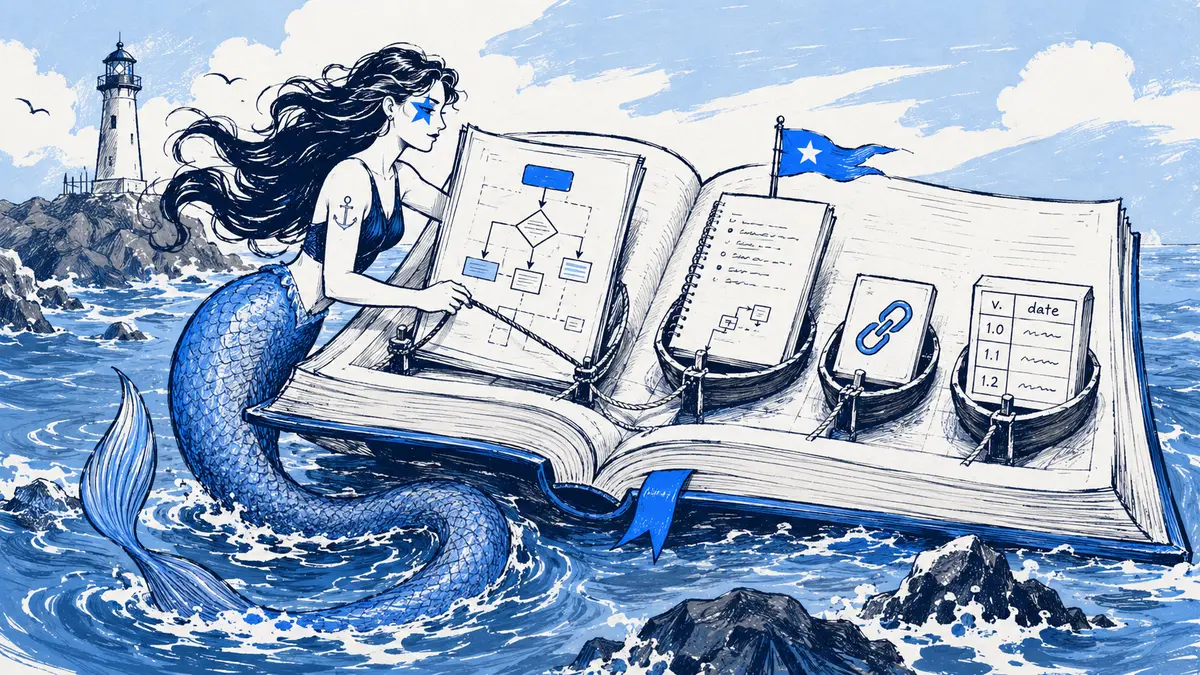
Slack Canvas can display a diagram image next to text, tables and links, but it is not a visual diagram editor or Mermaid renderer. Treat it as the page that explains the diagram: keep editable source and revision history in a repository, diagram tool or versioned Slack board. The embedded image is a snapshot; later edits to its source do not change the Canvas image.
What Slack Canvas supports
| Need | What Canvas can do | Practical limit |
|---|---|---|
| Show a diagram | Embed an uploaded or rendered image beside text and files. Slack’s Canvas guide documents image and file embeds. | The image does not expose its nodes, edges or source as editable diagram objects. Add descriptive alt text and link to the editable source. |
| Explain a diagram | Add headings, paragraphs, checklists, links, code blocks and tables. | A Mermaid code block is still code; Slack’s Canvas developer documentation documents Markdown code blocks and tables, not a Mermaid renderer. |
| Summarize decisions | Use links to Slack messages or other records. | A link is evidence to follow; it does not itself mean a decision was accepted or implemented. |
| Retain Canvas edits | Editors can view and restore prior Canvas revisions when revision history is enabled. | An admin can disable Canvas history. Canvas revisions are document history, not an editable Mermaid source history. See Slack’s Canvas history settings. |
| Create a comparison table | Use a native table for concise metadata or decision summaries. | Slack’s Canvas API docs set a limit of 300 cells per table. |
Canvas access depends on the plan and where the Canvas is shared. Slack says Free teams can access canvases in channels, while standalone canvases are a paid-plan feature; permissions and admin settings also affect editing and history. Check Slack’s Canvas plan details for the workspace you use.
When Canvas is a good home
Use it when the reader needs an overview with a small amount of supporting information: for example, an onboarding page with a service-boundary image, owner, scope, runbook link and a link to the editable diagram. Canvas keeps those notes readable in Slack, while the diagram’s source remains where it can be edited and reviewed.
Canvas is a weaker fit when people need to rearrange nodes in a workshop, compare structural changes in a pull request, or prove which diagram revision matches a particular release. Use a visual diagram editor for collaborative shape editing; keep diagrams-as-code in the repository when code review and version control are the source of truth. The Mermaid and visual-whiteboard comparison covers that choice in more detail.
| Situation | Put the editable diagram in | Use Canvas for | Trade-off |
|---|---|---|---|
| Onboarding or service overview | The team’s diagram tool or repository | The image, scope, owner, runbook and source link | Easy to read in Slack, but someone must replace the image when the source changes. |
| A design review in Slack | The review thread or a versioned diagram board | The current image and a link to the discussion or board | Keeps the page near the conversation; the image does not update itself. |
| A code-reviewed architecture | The repository, next to code or configuration | A short index page and link to the reviewed revision | Git can show source changes, but reviewers still need to check whether the diagram describes reality. |
| A live workshop | A shared visual whiteboard | A follow-up link or exported snapshot | Canvas is a document; it is not a substitute for a multi-cursor drawing surface. |
A Canvas layout readers can verify
Place the diagram near the top, then state what it covers and how to find its source. This is a fill-in template, not a record from a customer workspace:
# Checkout request path

[Current rendered diagram image]

**Purpose:** Trace a checkout request from cart submission to payment result.
**Scope:** [Included systems and important exclusions]
**State:** [Proposal / target / deployed to environment]
**Diagram version:** [Source version or repository revision]
**Owner:** [Team or person]
**Verified:** [Date and environment, if describing deployed behavior]
**Editable source:** [Link to the diagram source or versioned board]

## Decisions and evidence
- [Accepted decision]: [Link to the decision record or source discussion]

## Open questions
- [Question and owner]
Avoid calling an image simply “current” without a state, environment or source revision. A target design can be useful before implementation, but label it as a target. If the diagram describes deployed behavior, name the environment and point to the revision or operational evidence used to check it.
Updating the Canvas without losing the connection
- Edit and review the authoritative diagram source first. Keep the source file or versioned board link beside the Canvas image.
- Render the reviewed version and replace the image. Include its version or revision in the caption; a caption change alone does not update the picture.
- Update the scope, status and verification note if those claims changed. Do not change a deployed-state label when only a target design has changed.
- Check access and history. Make sure readers can open the source. Slack Canvas history can be disabled, and retention depends on workspace policy and plan; Slack’s data-retention documentation explains what may be kept or deleted.
The Markdown-to-Canvas workflow explains how to keep Markdown text in Canvas while converting embedded Mermaid blocks to images. Canvas itself still does not render the Mermaid source.
Where Arialine fits
When the design conversation happens in Slack, Arialine can create or revise a Mermaid diagram in its board thread and retain board versions and change summaries, with links to source messages when available. A person can place the board’s latest rendered PNG into a Canvas that is accessible to them and shared with Arialine for edit access. Placement appends an image for that version; later board edits do not live-update an image already placed there, so replace it when the diagram changes.
On Slack Free, Arialine keeps its decision ledger in the board thread because Slack does not permit creating a standalone Canvas there. On plans where standalone canvases are available, the ledger can live in an Arialine-managed Canvas. Both cases keep the diagram history with its board; the Canvas image remains a reading copy. See the architecture-review workflow for the Slack discussion flow.
FAQ
Does Slack Canvas render Mermaid?
No. Slack Canvas can display Markdown code blocks, but it does not interpret Mermaid syntax as a diagram. Render Mermaid to an image or use a workflow that converts Markdown’s Mermaid blocks before placing the document in Canvas.
Can I edit the diagram image inside Canvas?
No. Canvas can let you replace or rearrange an embedded image, but it does not expose the diagram’s shapes, connections or Mermaid source for editing. Change the source in its diagram tool, then embed the updated render.
Does Canvas keep previous diagrams?
Canvas can keep prior document revisions if history is enabled, and editors may restore a previous revision. That is different from retaining an editable diagram file and its version history. Keep an explicit source link and version label if readers need to identify the exact diagram behind an image.
Is Slack Canvas available on the Free plan?
Slack says Free teams can access canvases in channels, while standalone canvases are paid-plan only. The exact actions available depend on how the Canvas is shared and your workspace permissions; check Slack’s current plan details before designing a workflow around a specific Canvas type.
Next step: choose one technical diagram people already look up in Slack, then put its scope, owner, state, source revision and editable-source link beside the image.

 Add to my Slack