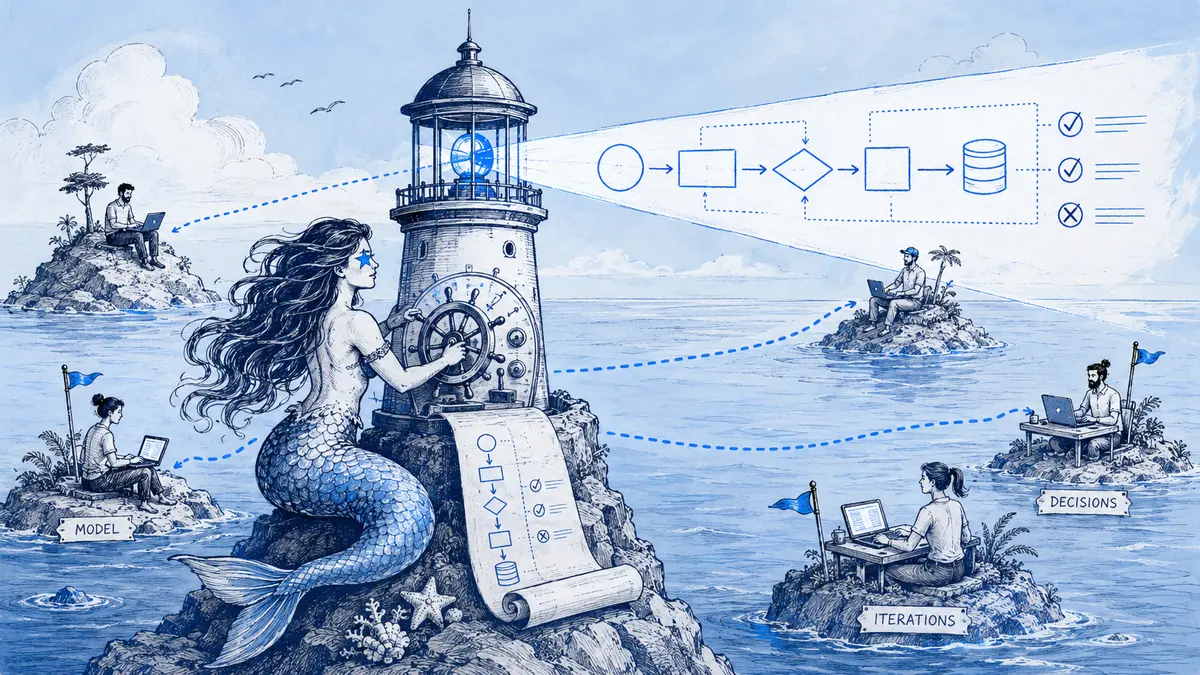
Direct answer: define one question and state for the diagram; keep editable source in a single canonical home; send reviewers the exact question and evidence; record the outcome with a version; and call the diagram deployed only after checking the right environment and revision. Use a whiteboard for live exploration, then hand the chosen view to the system that owns future updates.
Remote diagram workflow at a glance
| Stage | What the team records | Done when |
|---|---|---|
| Define the view | One question, audience, scope, and owner | A reviewer can say what the diagram does and does not cover |
| Label its state | Proposed, target, deployed in a named environment, or historical | No one can mistake a plan for production behavior |
| Choose its home | The editable source and the system that should own future updates | There is one authoritative current link |
| Draft the view | Components, relationships, boundaries, and known assumptions | The source is editable and the rendered diagram is readable |
| Ask for review | A specific question, relevant evidence, owner, and deadline with time zone | A reviewer can respond without recreating a meeting |
| Close the change | Applied, rejected, or unresolved, with a short reason and source link | The current view and its change history are discoverable |
| Recheck when needed | A material design, deployment, or incident change that affects this view | The status still matches the evidence named on the diagram |
Define the view before drawing it
Start with the question a reader needs answered. “Which services handle a checkout request?” may call for a context or flow view. “What happens after fulfillment times out?” calls for a failure-path view. Combining both questions with deployment details in one oversized diagram makes async review harder because each reviewer has to infer which parts matter.
Write down four things before drafting:
- Question: what decision or explanation should this view support?
- Scope: where does the view start and end, and what is deliberately omitted?
- Owner: who can answer a question or arrange the next update?
- State: what does the diagram claim about the system today?
Keep the state explicit. Proposed means the team is still discussing it. Target means it is the design the team intends to build. Deployed should name an environment and the revision or date checked. Historical means it explains an earlier state. A diagram described as current should also say what it was checked against; a deployment label alone does not prove that runtime behavior matches the picture.
Keep a diagram distinct from a decision record. A diagram shows a view of a system; an architecture decision record (ADR) captures an important choice with its context and consequences. Link them when a reader needs both the structure and the reason for choosing it. A routine label correction may need only a brief change note, while a significant architectural choice may deserve a separate ADR.
Choose one canonical home for the editable source
Choose the place where future changes should be reviewed, not merely the easiest place to paste an image. Tools can coexist, but each maintained view needs one source of truth.
| Home | Use it when | Trade-off to make explicit |
|---|---|---|
| Application repository | The diagram should change with code or infrastructure definitions | A pull request keeps source changes beside implementation changes, but reviewers still need to check that the picture means what the code claims |
| Design discussion or Slack thread | The review and its source context already live in that conversation | Discussion and diagram edits stay close; a repository-owned diagram still needs an explicit handoff or update |
| Visual whiteboard | People are exploring alternatives together in a workshop | Freeform exploration is useful, but the chosen view needs an owner, editable source, status, and destination after the workshop |
| ADR or design document | Readers need the decision, alternatives, constraints, or consequences | It records why a choice was made; it may link to the diagram rather than serve as the editable diagram itself |
For repository-owned diagrams, GitHub pull request reviews support line-specific comments and exact suggestions, plus separate review outcomes such as approve or request changes. That is a good fit when the diagram source is part of the proposed code change. For asynchronous team updates, GitLab's engineering communication handbook gives a concrete example of posting a short update with a link back to the shared issue where feedback belongs.
If you move from a workshop or chat discussion to a maintained repository diagram, link the destination from the discussion and update the repository source there. Avoid leaving two unlabeled “latest” copies. This comparison of diagrams-as-code and conversation-led diagrams covers the maintenance trade-offs in more detail.
Send a review packet that can travel across time zones
“Thoughts?” leaves the reviewer to guess which part matters and what kind of response is useful. A compact handoff names the claim to review, the evidence to check, and the action needed. A reviewer can then respond in their own working hours instead of arranging another call to recover context.
Copy this template and replace the bracketed fields:
Diagram: [canonical link and version]
State: [proposed / target / deployed in environment / historical]
Scope: [what this view includes and excludes]
Owner: [person or team]
Change: [the exact nodes, relationship, or boundary that changed]
Evidence: [decision, specification, pull request, config, or trace]
Question: [one decision the reviewer can answer]
Unverified: [assumptions that should remain open]
Reply by: [date, time, and time zone]
For example, “Does the worker send failed fulfillment jobs to a dead-letter queue after three attempts?” is easier to answer than “Is the retry flow right?” Link the specification or implementation that can settle it. If the source does not answer the question, leave the destination unknown and ask its owner; do not fill the gap because the diagram looks incomplete.
Request a change-shaped response: identify the node or relationship, say what should change, and include the evidence. If a comment raises a new design decision, link or create the decision record rather than hiding the rationale in an image annotation. The guide to keeping architecture decisions with their source discussion explains when a lightweight change ledger helps.
Example: review a failure path before calling it production behavior
Suppose a checkout team wants to show what happens when payment succeeds but fulfillment fails. The first diagram is a target design, not a map of the deployed system. Its handoff asks whether the retry limit and exhaustion route match the service specification. If that specification confirms three attempts and a dead-letter queue, the next version can show those exact labels. If it does not, the team should leave the edge unresolved until an owner checks it.
This Mermaid flowchart shows the revised target once those assumptions are verified. Mermaid's flowchart syntax reference documents the nodes and labeled edges used here.
flowchart LR
  Payment --> Worker[Fulfillment worker]
  Worker -->|success| Confirmed[Order confirmed]
  Worker -->|failure| Retry[Retry queue]
  Retry -->|attempt count below 3| Worker
  Retry -->|attempt 3 failed| DLQ[Dead-letter queue]
The reviewer should be able to leave a specific request such as “show the three-attempt limit and link the dead-letter queue consumer.” The owner checks the evidence, updates the source, and records whether the proposed change was applied, declined, or left open. After deployment, someone rechecks the deployed view against the relevant revision or operational evidence and changes the status only if that check succeeds. A target diagram that reviewers agree with does not, by itself, establish that the design shipped.
Keep review, decision, and deployment status separate
Three records can relate to the same design without meaning the same thing:
- Review feedback says what a reviewer thinks should change.
- A decision record captures the choice, relevant alternatives, and consequences when the decision warrants one.
- A deployment record or check establishes whether the implementation reached a named environment and whether the diagram matches it.
Close the review with a short written summary: what changed, what was not changed and why, which assumptions remain, and where the new source lives. Link the discussion or pull request from the maintained artifact so a reader arriving later can trace the reasoning. The Slack diagram review guide covers proposals, version history, and source-linked changes in more detail.
Where Arialine fits
Arialine fits when the engineering design discussion already happens in Slack and the team wants an editable Mermaid diagram beside that discussion. People can request a diagram or a specific correction; the board keeps its current version, and applied changes link back to the requesting Slack message. In proposal mode, inspect the proposed edit before applying it. Apply is a review action, not proof of formal approval, deployment, or team consensus. The architecture reviews in Slack walkthrough shows the flow and its limits.
Keep a repository as the canonical home when the diagram must change with code or be enforced through pull-request review. Use Arialine for the discussion, then export the agreed Mermaid source into the repository.
Keep one current link and review it when the system changes
Put the canonical link, state, owner, and last evidence checked near the artifact. When a new version is published, point readers to that version from the root document, channel, README, or ADR that people already use. Treat exported PNGs as snapshots; do not let an image attachment silently become a competing source.
Review a diagram when a change affects its scope or relationships: a system boundary moves, an API or failure path changes, a decision is superseded, or an incident exposes a wrong assumption. A scheduled check can catch missed triggers, but a monthly reminder does not make a volatile architecture accurate. This guide to when architecture diagrams need an update explains how to choose a practical review cadence.
Next step: choose one diagram your team relies on, label its status and canonical source, then send the next review with the handoff template above.
Update note
Updated September 29, 2026: added source-of-truth criteria, a reusable async review packet, and an example that separates target design from deployed behavior.
FAQ
Should a remote engineering diagram live in Git or Slack?
Use Git when the editable source should be reviewed with code. Use a Slack-centered board when the design discussion and revisions happen in Slack. If both matter, say which one is authoritative and link the handoff; do not maintain two unlabeled current copies.
Does a diagram review replace an architecture decision record?
No. A diagram shows structure or behavior; an ADR records the reasoning, alternatives, and consequences of a significant choice. Link the two when readers need both.
Does a valid Mermaid render prove the architecture is correct?
No. Rendering checks syntax and presentation. Check nodes and relationships against the specification, repository, configuration, traces, or other evidence that supports the claims the diagram makes.

 Add to my Slack