Workflow

Keep diagram versions and review changes in Slack

When a diagram changes during a review, keep the current board clear without losing earlier versions. Arialine records applied changes as attributed versions with source-message links, and offers Undo, Rewind and Branch controls from Slack. It complements repository workflows rather than replacing Git.

1One board. A history you can revisit.

Every accepted change is a version, not an overwrite

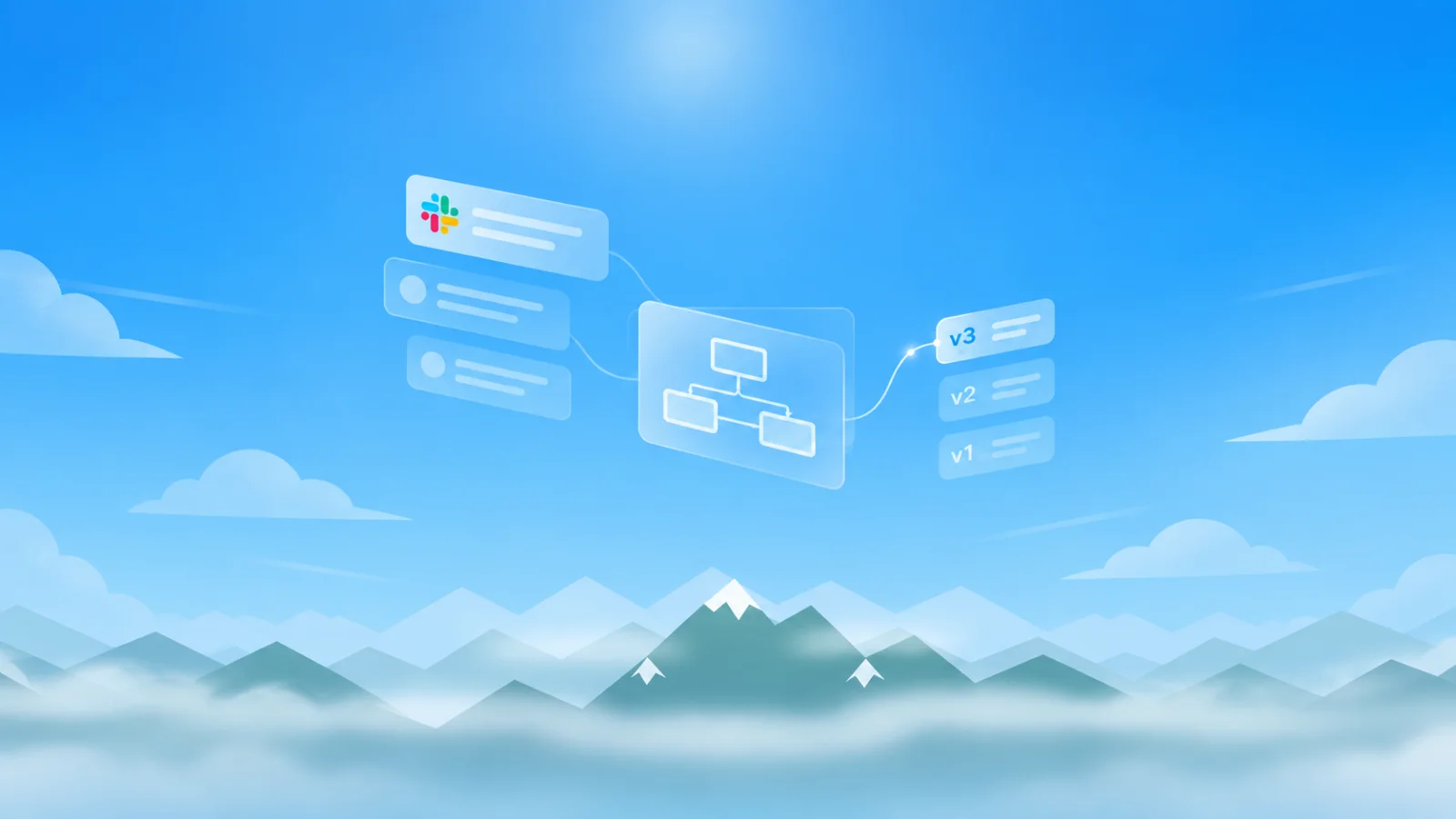
A checkout review: three requests, three versions. The board root shows the current version; retained version replies preserve their own artifacts.

  1. v1

    Establish the initial checkout flow.

    Map checkout: API, payment processor and worker

    • API
    • Payment processor
    • Worker
  2. v2

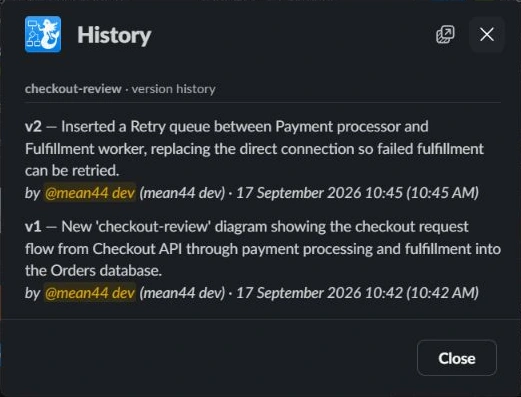
    Make failed fulfillment retryable.

    @Arialine add a retry queue before the worker

    • API
    • Payment processor
    • Retry queue
    • Worker
  3. v3

    Separate exhausted retries for investigation.Current

    @Arialine add a dead-letter queue after retries are exhausted

    • API
    • Payment processor
    • Retry queue
    • Dead-letter queue
    • Worker
2Looking back is different from changing the board

Undo, Rewind and Branch do different jobs

Undo
Invert one change against the current board. Undoing an older change can require AI interpretation; inseparable later changes can prevent the operation.
Rewind
Restore an earlier version's complete source as a new current version. Later history remains recorded while the board is retained.
Branch
Start a separate board from a version, with its own thread. Explore an alternative without replacing the original board.

In proposal mode, requested edits appear with Apply, Edit proposal and Dismiss controls before changing the board. Review the proposed change in plain language before applying it; inspect the resulting diagram and source afterward.

Arialine version reply in Slack with history controls
FAQ

Frequently asked

Can I see what changed between two versions?+

Each version carries a change summary. On supported Slack plans, the standalone Canvas ledger can embed version renders; on Slack Free, use the board's History controls and version attachments to compare them.

Is history ever deleted?+

History is additive while the board is retained — even undos are recorded as new versions.

Can I export a specific version?+

Yes — every version's PNG and HTML stay attached to its thread reply. Export supports current .mmd, PNG, and SVG, plus PDF reports of current or selected historical versions.

Try it in your workspace

Every feature is included in Free, with up to 3 boards and 10 AI generations per workspace each day. Model-free actions do not use that daily allowance. Workspace approval may be required.